Mavim Product Update 11.4
What's new and improved?
This release, coming to you on Friday, September 18, brings new capabilities and performance improvements to Mavim Process Mining and Mavim iMprove. Analyze process conformance more easily with ProcessIQ, work faster with larger models, and benefit from more reliable ConversAI answers and a smoother iMprove experience.
Mavim Process Mining
Ask ProcessIQ about process conformance
ProcessIQ can now answer questions based on your Process Reference Models. Ask how your process data compares with a reference model, identify activities that deviate from it, and uncover conformance insights faster.
See which reference models apply
ProcessIQ now clearly shows when reference models are available for conformance analysis. Hover to see which models apply to your dataset and use them as context for your analysis.
Map reference models in full screen
Reference Model Mapping now supports full-screen mode, giving you more space to work when mapping your process data to a reference model.
Mavim iMprove
Work faster with Word descriptions and larger databases
Topic descriptions open faster in Word, while improved parallel indexing makes larger databases searchable sooner after changes.
Get more reliable ConversAI answers
ConversAI can find relevant content more effectively, including information that appears less frequently in your model. Links take you directly to the referenced topic, while administrators can add example questions to guide users.
See changes immediately
Content changes are reflected across iMprove right away, including after approvals and when switching languages. No manual refresh is needed to see the latest information.
Recall and resubmit with confidence
Recalled change requests now consistently show the correct status and available actions. Resubmitting a request is more predictable, making it easier to understand where a request stands and what happens next.
Your platform for support, product updates and account information
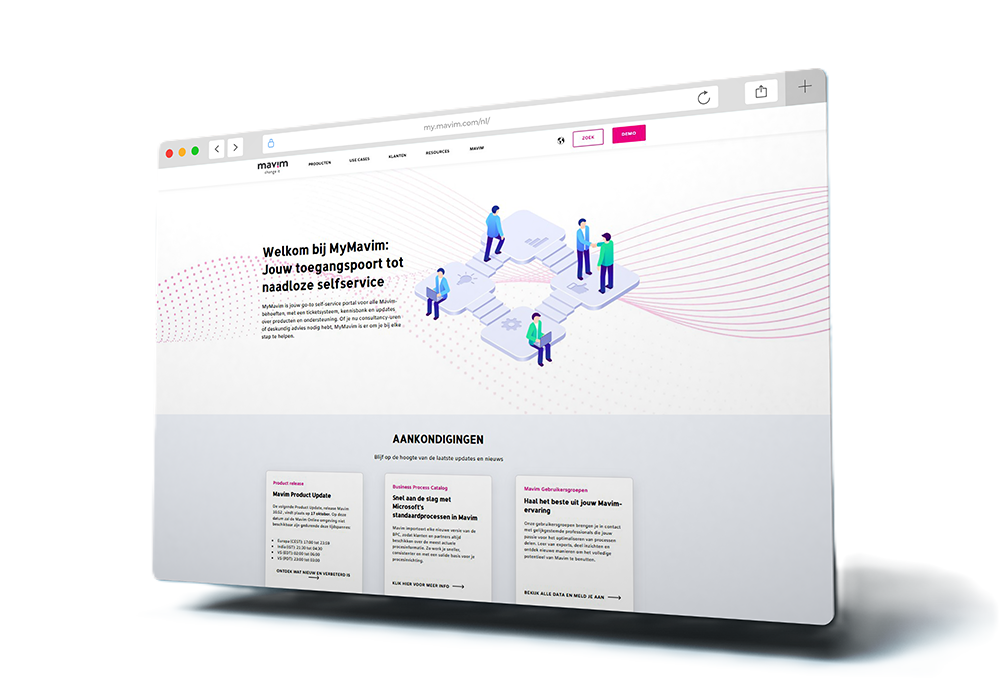
Are you curious when the next release will take place? Do you want to know what new and improved features the most recent product update contains? Or do you need support and want to create a ticket? My Mavim is the section where you can access all kinds of product information, support resources, product updates and account information.