Mavim Product Update 10.55
What's new and improved?
In the release of Mavim version 10.55, which takes place on Friday, February 20, we introduce performance improvements,
extensions within Process Mining and optimizations in authentication and modeling.
Below are the most important highlights.
Performance Improvement
in Mavim Manager
Updating versions in Mavim Manager is now faster, providing a smoother experience when managing and maintaining content.

New Certificate-Based SharePoint Authentication
Within Mavim Portal, a new SharePoint authentication option based on certificates has been added.
This enables:
- Publishing to SharePoint Taxonomy
- Linking to documents in a SharePoint Document Library
This enhancement provides a secure and future-proof way to integrate with SharePoint.

Include or Exclude Activities in Conformance Checking
When creating an activity mapping for Conformance Checking, you can now choose which reference model activities to include or exclude.
Manual activities (such as “call customer” or “email contract”) that do not appear in an event log can easily be excluded. This results in more accurate and meaningful conformance analyses.
Note: Requires the Conformance Check add-on.
Multiple Report Themes
Admins can now create multiple report themes and fully customize the look and feel of each theme.
You can also designate one theme as the default, ensuring new reports automatically maintain a consistent and uniform design.
Available for MPM Admins.
Notifications During Event Log Upload
You can continue working in the application while an event log is uploading.
A notification will inform you once the dataset has been successfully uploaded and transformed.
Improved Activity Mapping Icon
When an activity mapping is applied to the reference model, the icon is now more visible. This makes it immediately clear when a mapping is active.
Improvements in Visual Modeling & Visio
Several issues have been resolved to improve modeling stability and consistency:
- The “Save” button no longer remains active after importing a flowchart
- Shape selection no longer jumps unexpectedly
- Visual styles are preserved correctly during VSDX imports
- Lane fill colors in functional flowcharts remain intact when modifying diagram options

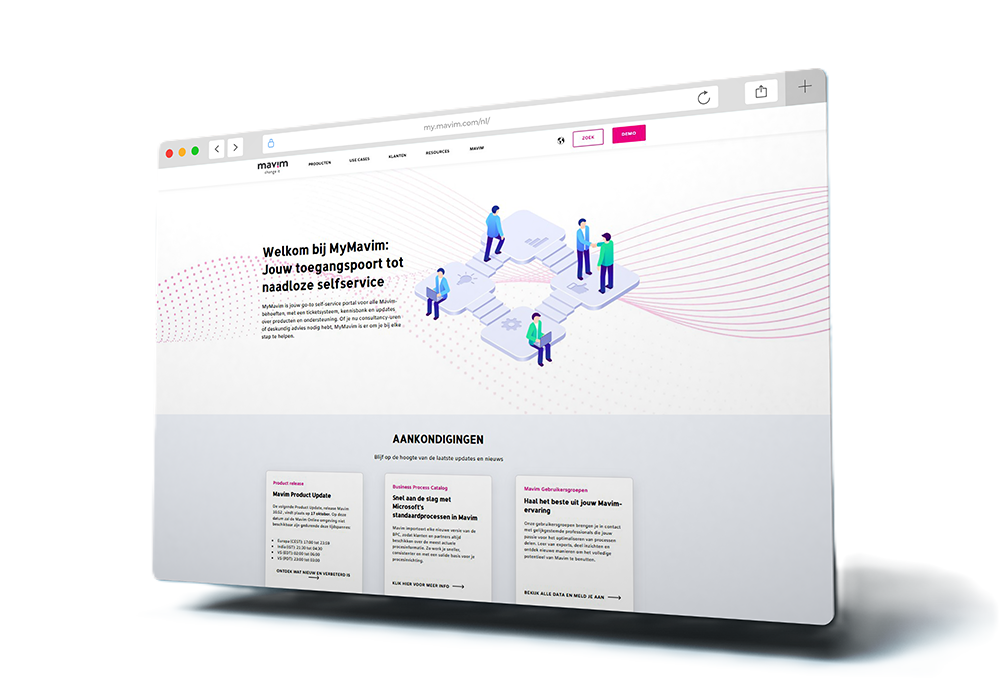
Your platform for support, product updates and account information
Are you curious when the next release will take place? Do you want to know what new and improved features the most recent product update contains? Or do you need support and want to create a ticket? My Mavim is the section where you can access all kinds of product information, support resources, product updates and account information.